Design tokens are an essential part of modern design systems, streamlining the process of maintaining consistency across different platforms and ensuring a cohesive brand identity. Whether you’re a designer, developer, or product manager, having the right design token tools in your toolkit can greatly enhance your workflow and efficiency. In this article, we’ll explore a curated list of top design token tools that are making waves in the design industry.
Quick Intro to Design Tokens
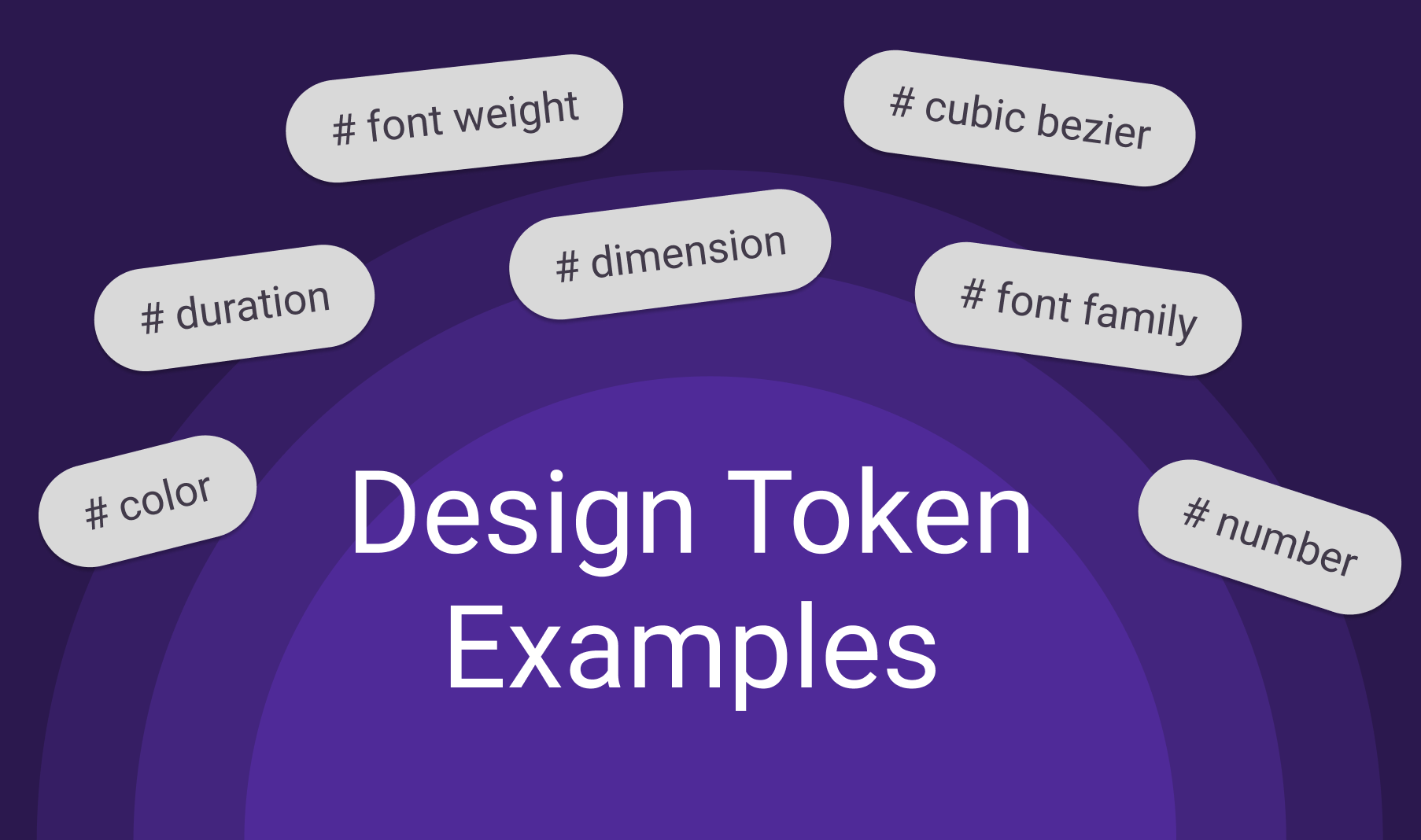
Before we dive into our pick of design token tools, let’s quickly clarify what design tokens are. Design tokens are the atomic elements of a design system. They encapsulate design decisions such as colors, typography, spacing, and more in a reusable and consistent format. By defining these properties in a standardized manner, design tokens empower teams to maintain brand consistency and make design updates efficiently.
Now, let’s explore our list of top design token tools, each catering to different needs and preferences.
1. Tokenbase
Best for: Creating tokens
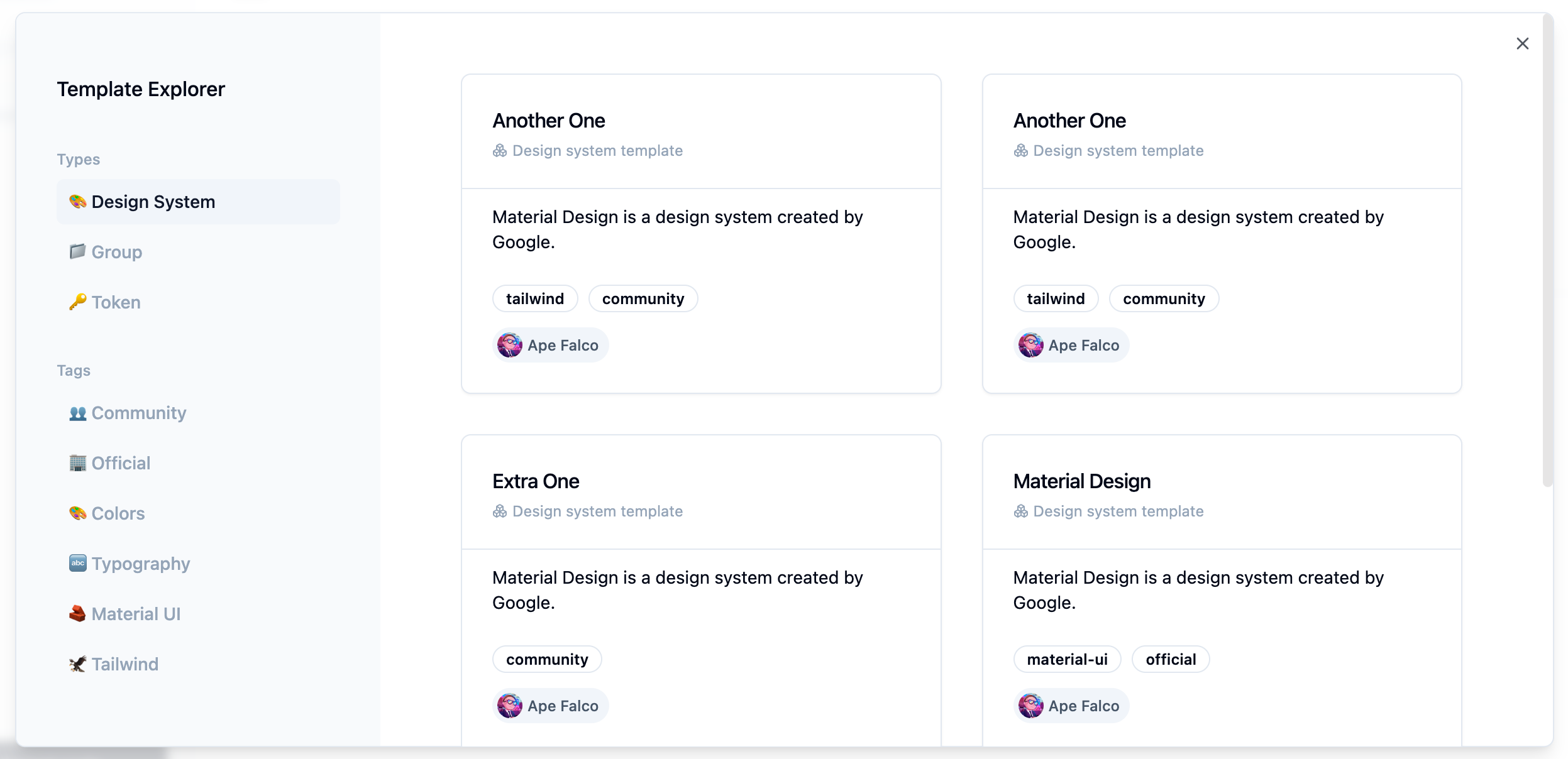
Tokenbase is a user-friendly, free tool that simplifies the process of creating and exporting tokens with ease and speed. It offers support for various programming languages, including CSS, SCSS, Less, Android, iOS-Swift, and Flutter. This makes it an excellent option for small teams or individual contributors looking to dive into the world of tokens.
Pricing: Free
2. Specify
Best for: Distributing design tokens
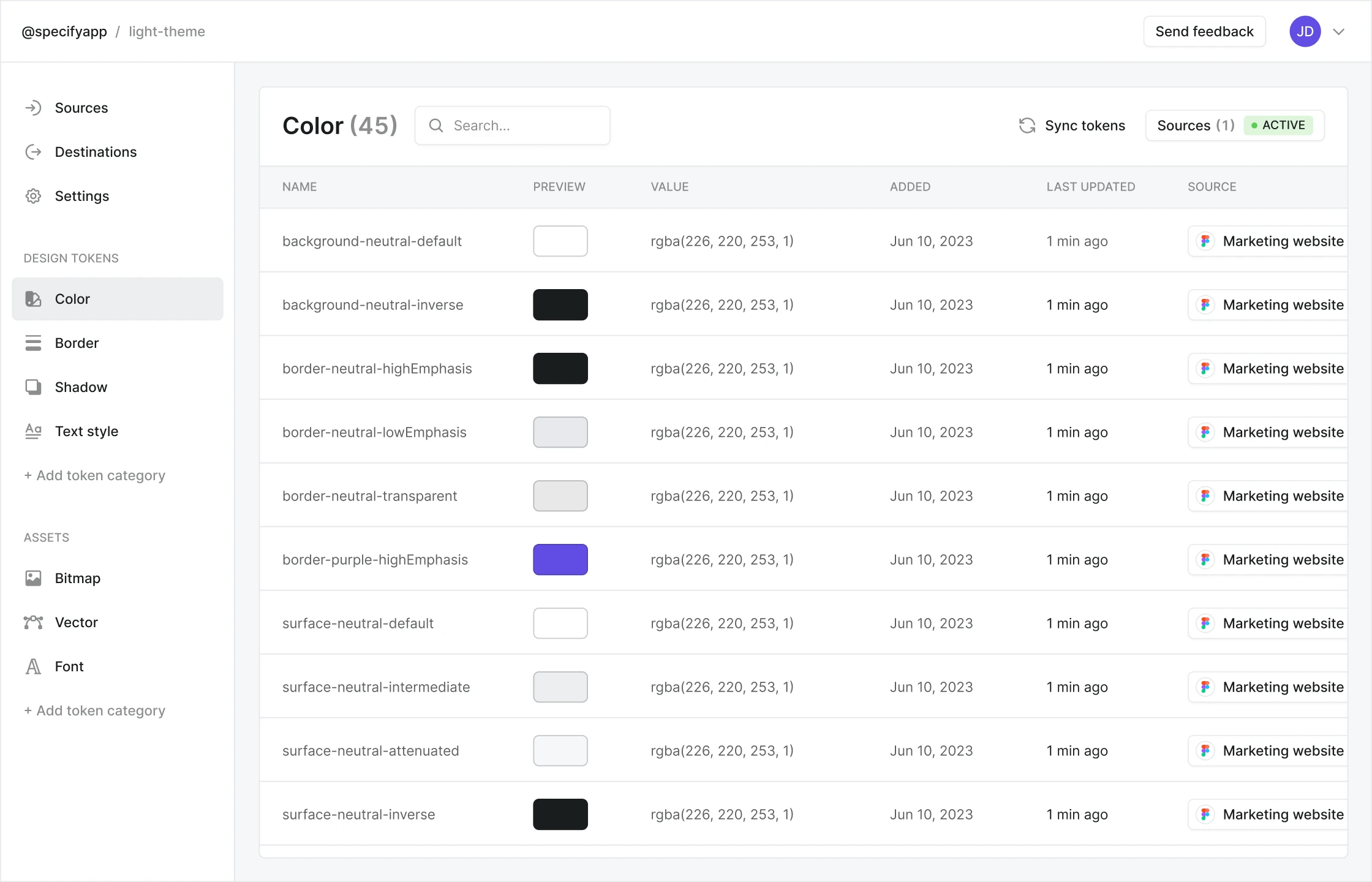
Specify is a powerful design token tool that automates the process of generating and sharing design tokens, making it an ideal choice for large, cross-functional teams.
Specify offers an intuitive three-step workflow, simplifying the collection, storage, and distribution of your design data.
Pricing: Starts at USD 69
3. Supernova
Best for: End-to-end solution
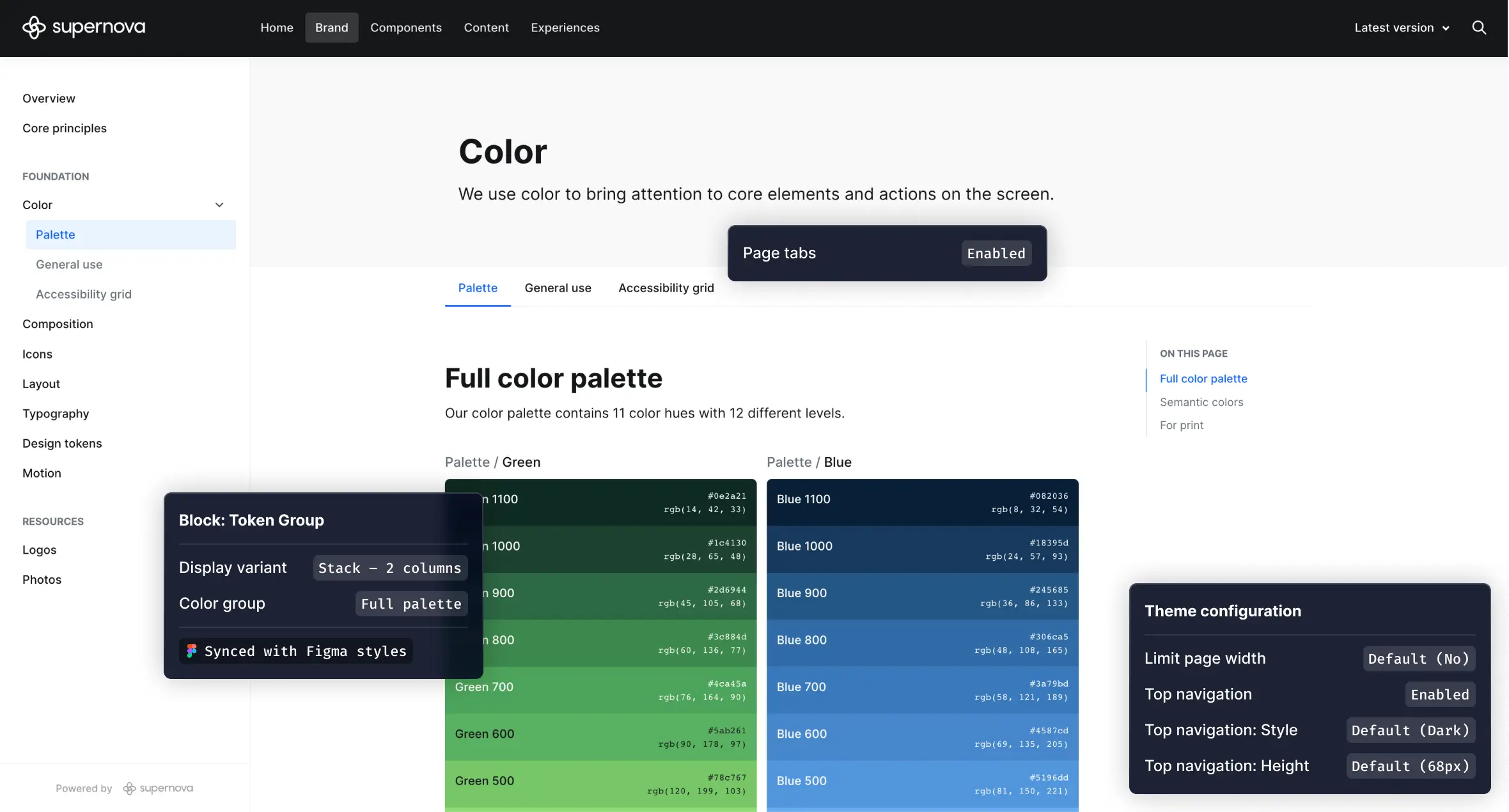
Supernova is an integral tool for building and scaling your design system. It provides a comprehensive solution that guides you through the entire process, from documentation to design system management.
Supernova also supports various design systems, making it adaptable to your specific project requirements.
Pricing: Free to USD 80 per seat per month
4. Token Studio for Figma
Best for: Figma integration
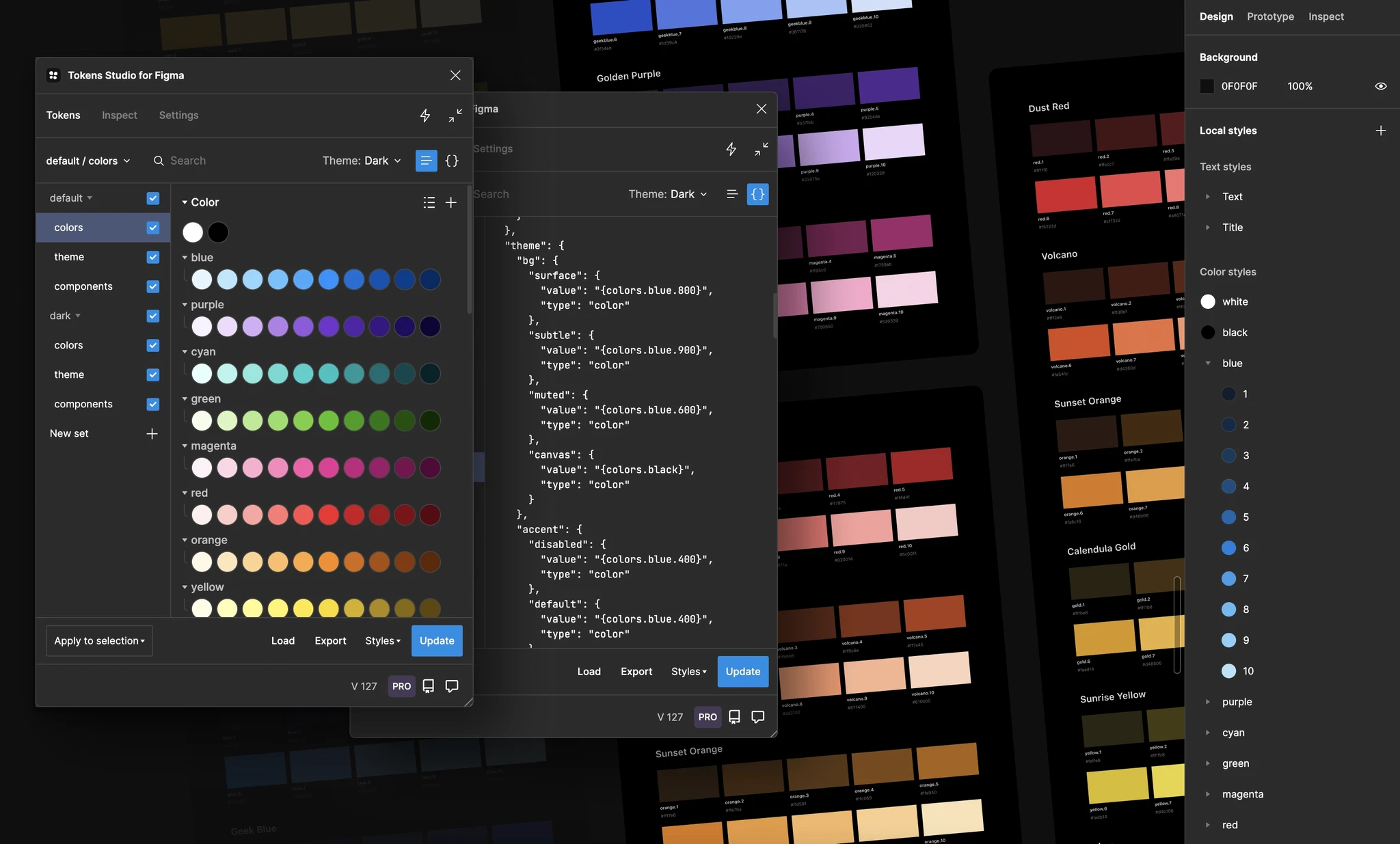
Token Studio is a dedicated Figma plugin designed for efficient design token management.
With Token Studio, you can simplify the creation and organization of design tokens directly within the Figma environment. If you are using Figma as your main design tool, Token Studio can be a great choice to integrate design tokens into your existing workflow.
Pricing: Freemiun, paid starts at USD 16 per user / month
5. Style Dictionary
Best for: Supporting different platforms and languages for developers
Style Dictionary is an open-source design token tool that provides extensive customization options. It allows you to centralize your style definitions, and a single command will export them for use on any platform and in any language. Technical knowledge is needed to use.
Pricing: Open-source and free
6. Knapsack
Best for: Building a design system
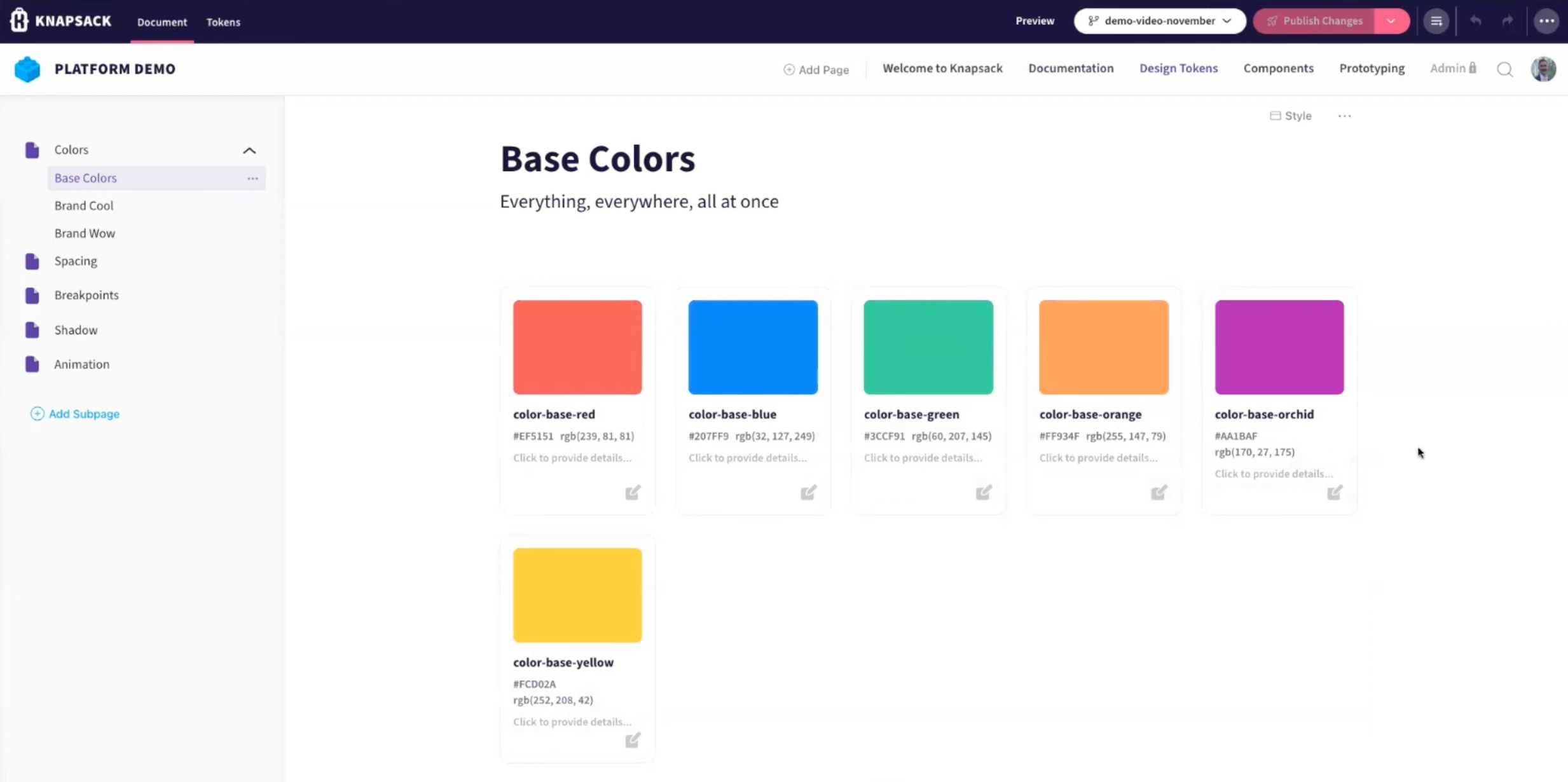
Knapsack is a software solution that offers the essential infrastructure and platform for your team to rapidly develop a design system. It facilitates the collaboration between product, engineering, and UX teams, ensuring efficient design system creation.
Pricing: Contact sales for more information
7. Design Tokens Generator
Best for: Basic functionalities
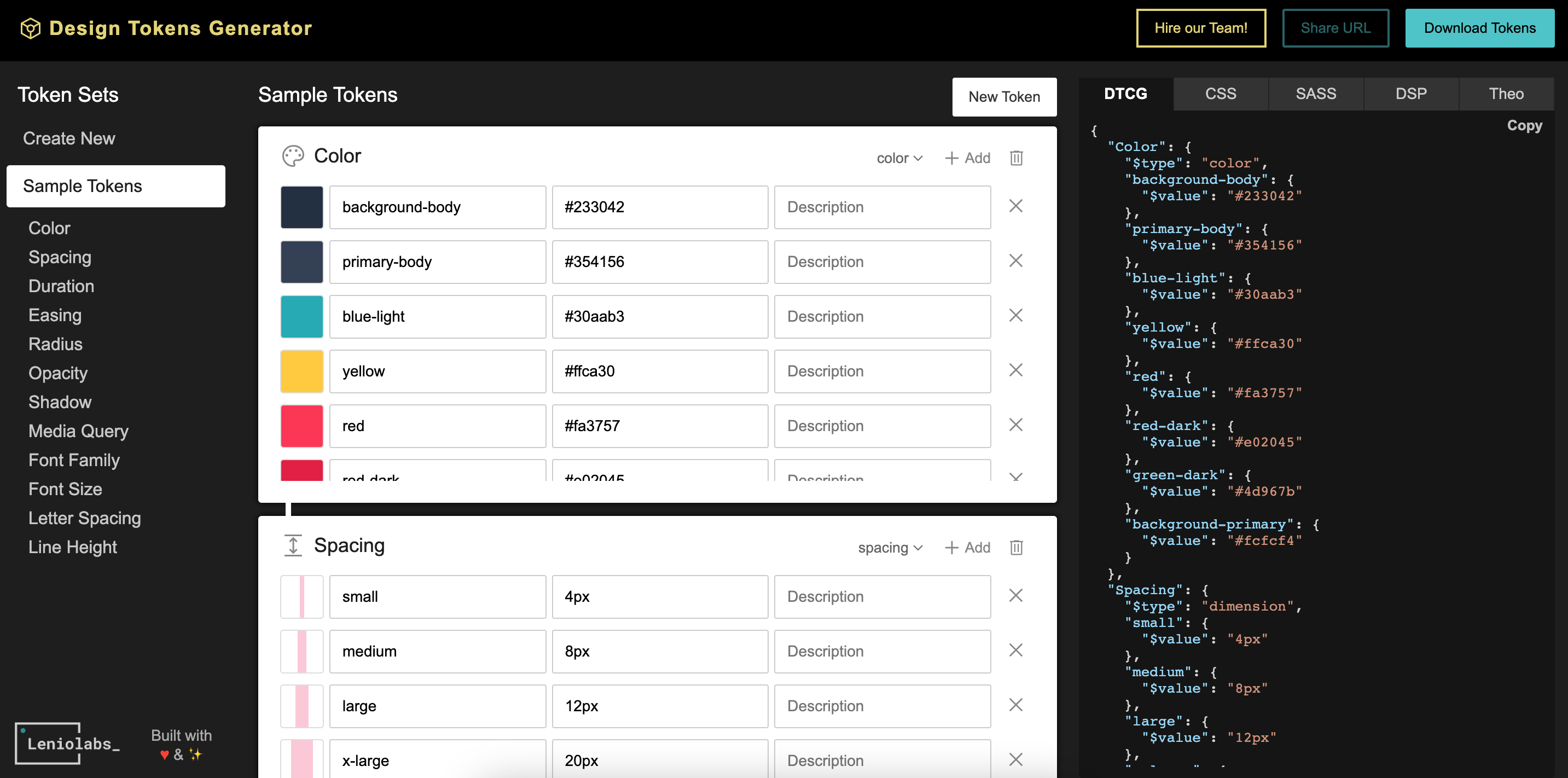
Design Tokens Generator is a free design token tool that offers basic design token generation features. While it may not have the advanced capabilities of some of the premium tools, it's a good starting point for small teams or individual designers looking to experiment with design tokens.
Pricing: Free
Final Note
Design token tools are essential for maintaining design consistency, and the right tool can significantly impact your design workflow. Whether you prioritize distribution, collaboration, customization, workflow automation, or cost-effectiveness, there’s a design token tool on this list to suit your needs. Explore these tools, experiment with them, and choose the one that aligns best with your design system goals.